Brock Beauchamp
-
Posts
1,217 -
Joined
-
Last visited
-
Days Won
7
Content Type
Profiles
Toronto Blue Jays Videos
2026 Toronto Blue Jays Top Prospects Ranking
Toronto Blue Jays Free Agent & Trade Rumors, Notes, & Tidbits
Guides & Resources
2025 Toronto Blue Jays Draft Pick Tracker
News
2026 Toronto Blue Jays Draft Tracker: Picks & Bonuses
Forums
Blogs
Events
Store
Downloads
Gallery
Everything posted by Brock Beauchamp
-
Talk about this trade here:
-
 Whew, that is a steep price for a guy who I think is going to opt out after the season. I don't really like the value on this one.
- 73 replies
-
- 1
-

-
- 2025 trade deadline
- shane bieber
- (and 1 more)
-
Welcome to Jays Centre!
-
Get outta Baltimore, please.

-
I'm pretty upset about it, FTR. Never had anything like this happen and I've been using this software for a decade.
-
Apologies for the loss of comments. I have NO IDEA what happened, the screen just errored out while I was doing a mundane task, and then everything was gone. I even checked the dB and it's just... gone.
-
Blue Jays (Lauer) vs Orioles (TBD): 7/29/25, 6:35pm
Brock Beauchamp replied to Brock Beauchamp's topic in Game Thread Archive
Just flipped on the game and... what the actual f*** has been happening the past two days? -
Blue Jays (Lauer) vs Orioles (TBD): 7/29/25, 6:35pm
Brock Beauchamp replied to Brock Beauchamp's topic in Game Thread Archive
Oh, I'm mistaken then. I thought he was lined up for this start based on something I looked at a few days ago. -
Wasn't Morton scheduled to pitch? Looks like the Orioles might be hedging against a trade this morning...

-
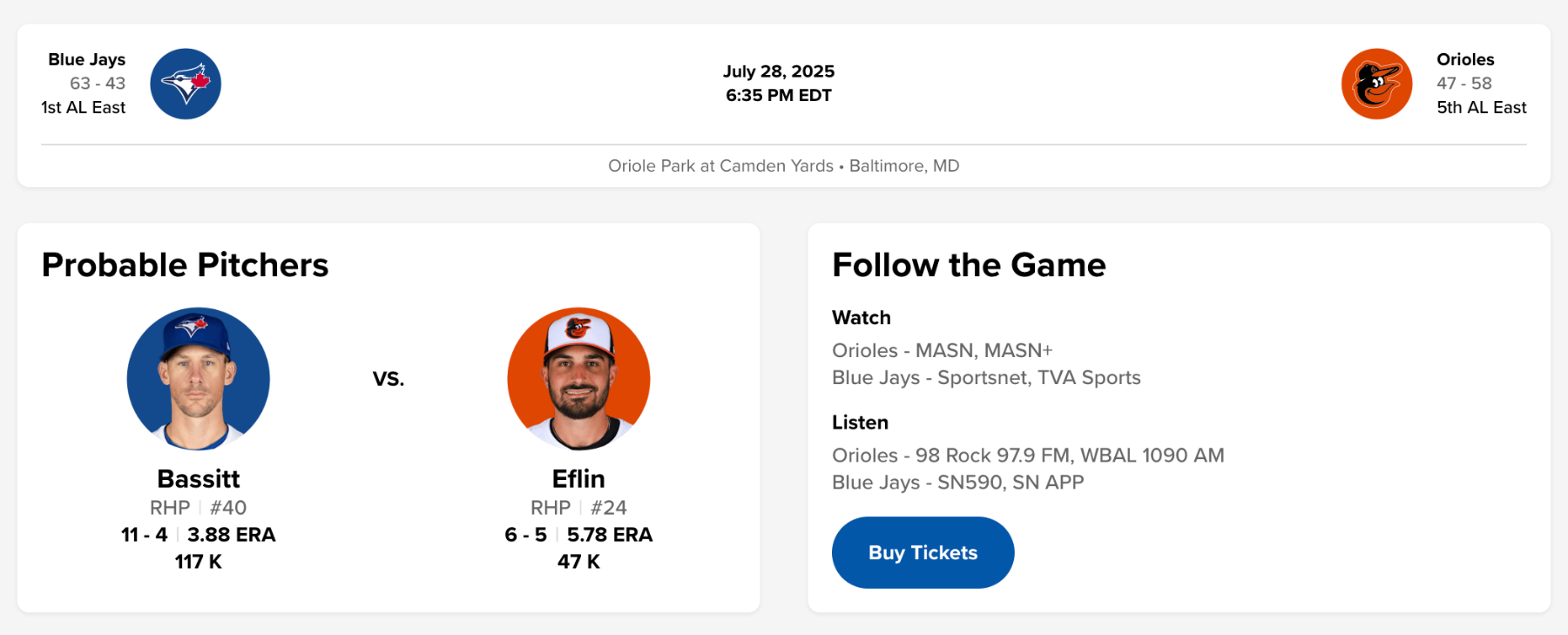
Would have been nicer to play the O's next week, after they've sold half their roster. Oh well.
-
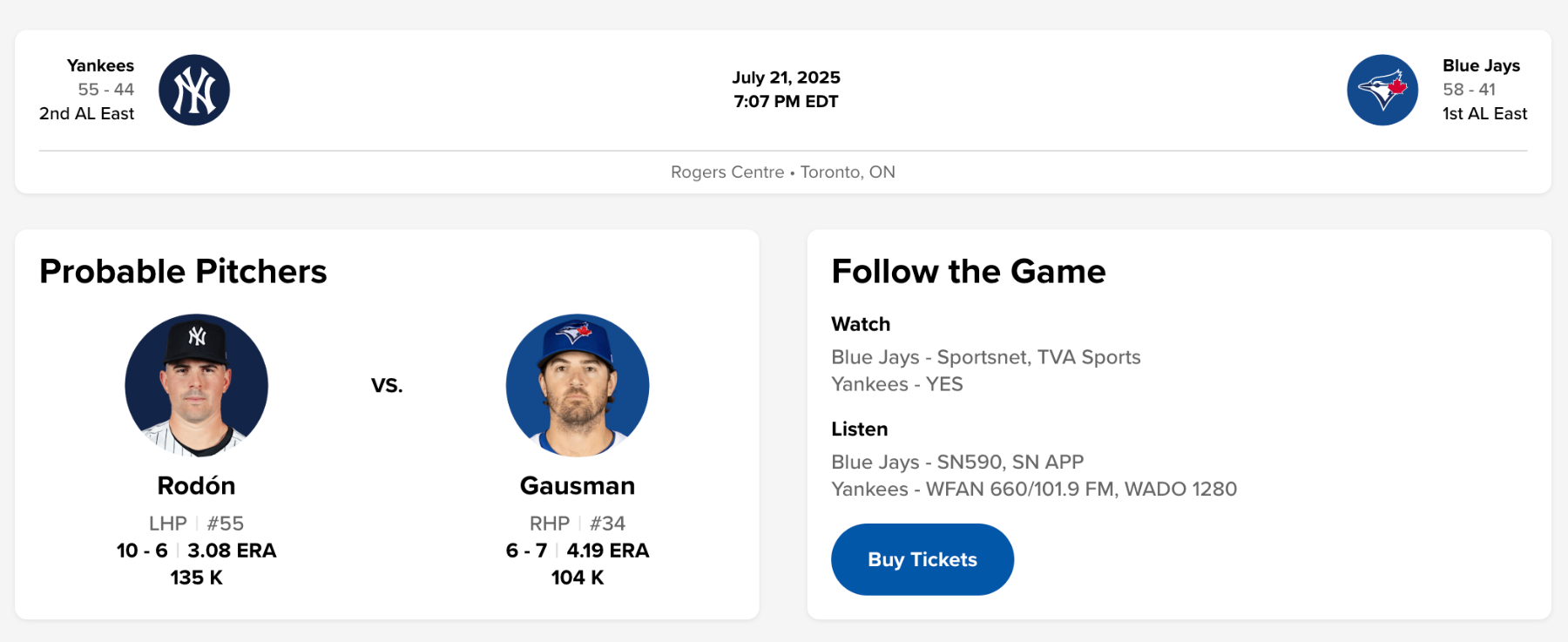
The Jays are now 6.5 games in front of the Yankees. Tragic.
-
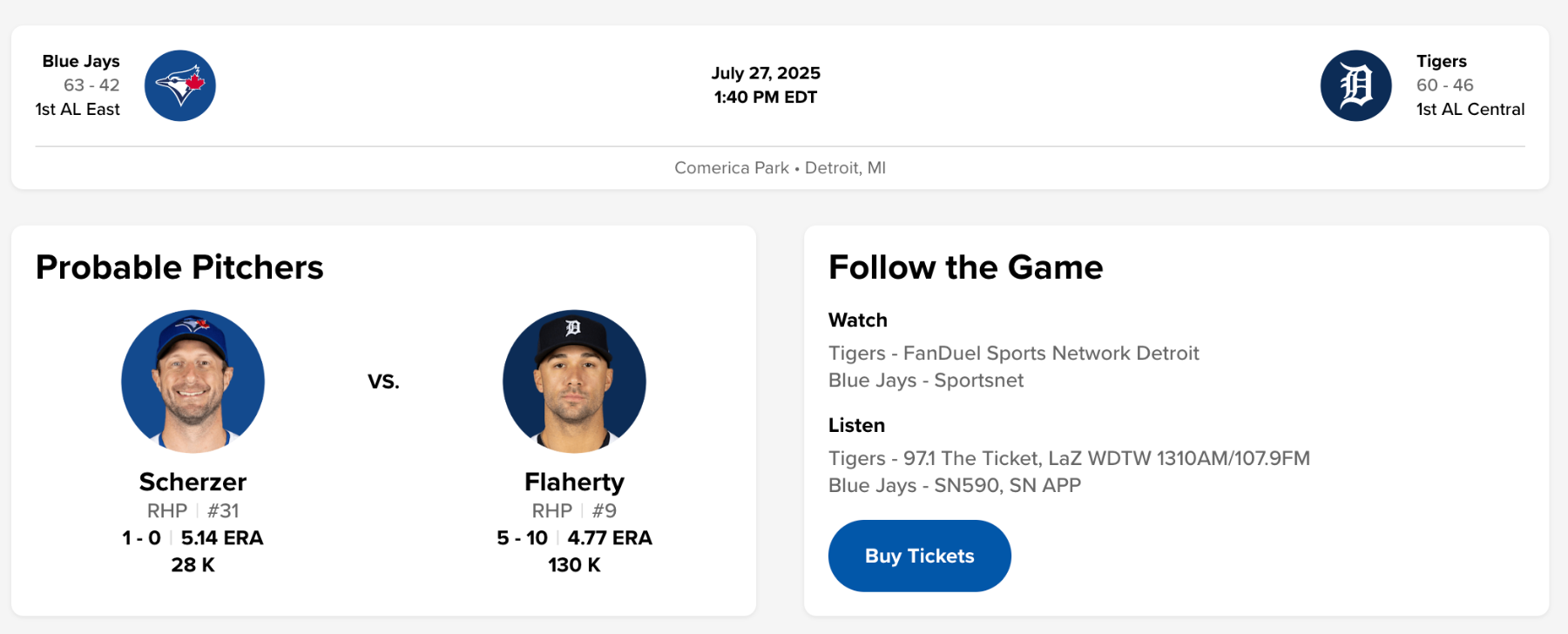
Three in a row?
-
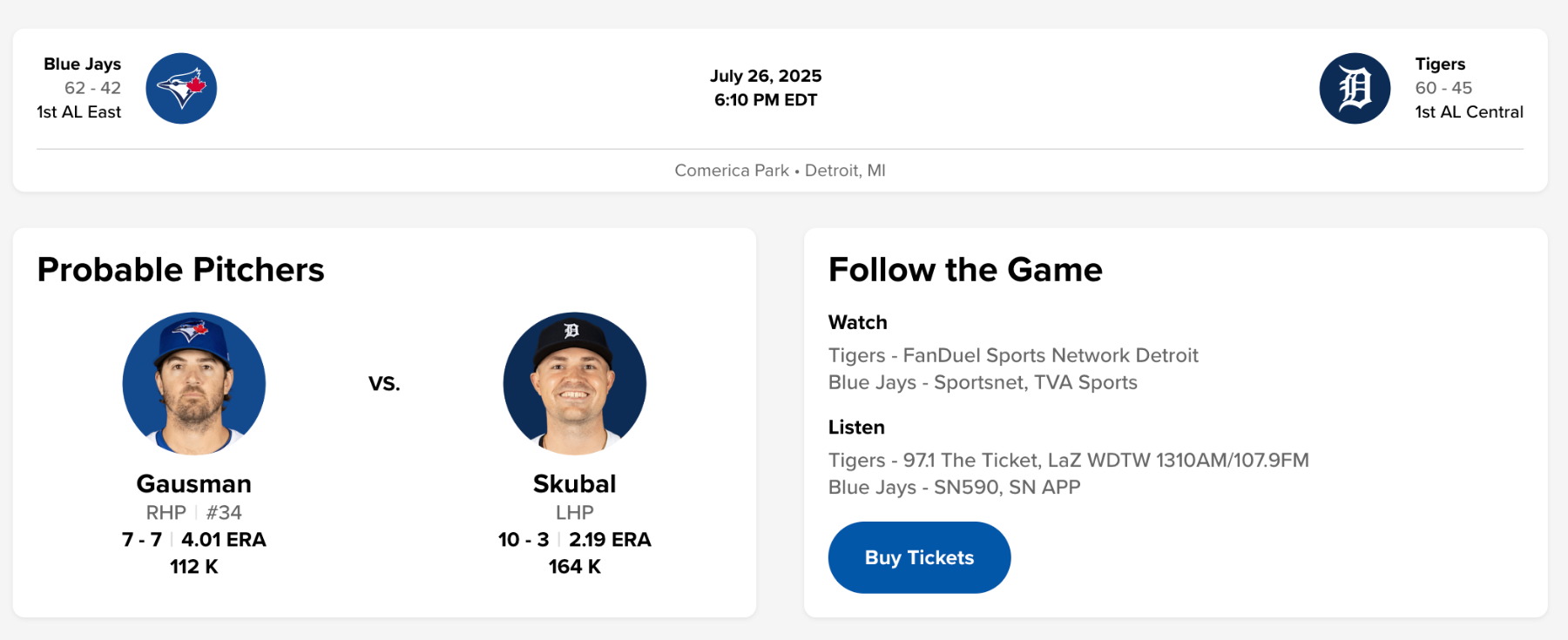
A little different format for the question of the week. Within reason, who is your #1 trade target in the next six days? The guy who, if acquired, would make you give the Blue Jays a B or higher grade at the trade deadline if that's all they did at the deadline.
-
Can the Jays keep it up?
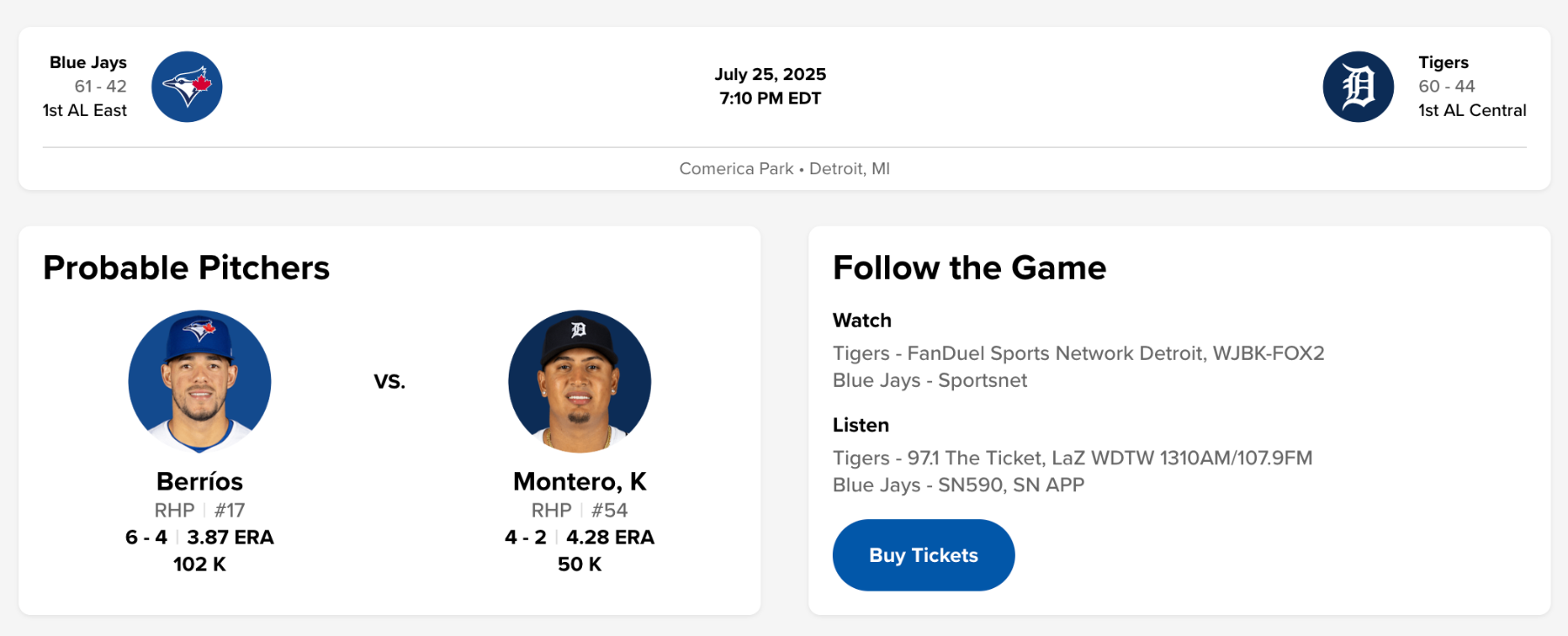
-
DiamondCentric trade deadline series
Brock Beauchamp replied to Brock Beauchamp's topic in Toronto Blue Jays Talk
Final pitching addition, middle relievers. 14 Middle Relievers Who Could Be Available At The MLB Trade Deadline - Cubs - North Side Baseball NORTHSIDEBASEBALL.COM These names won't make headlines, but their presence will be critical for a World Series run. -
The Jays did what they needed to do against the Yankees, now it's on to the next challenge, Detroit.
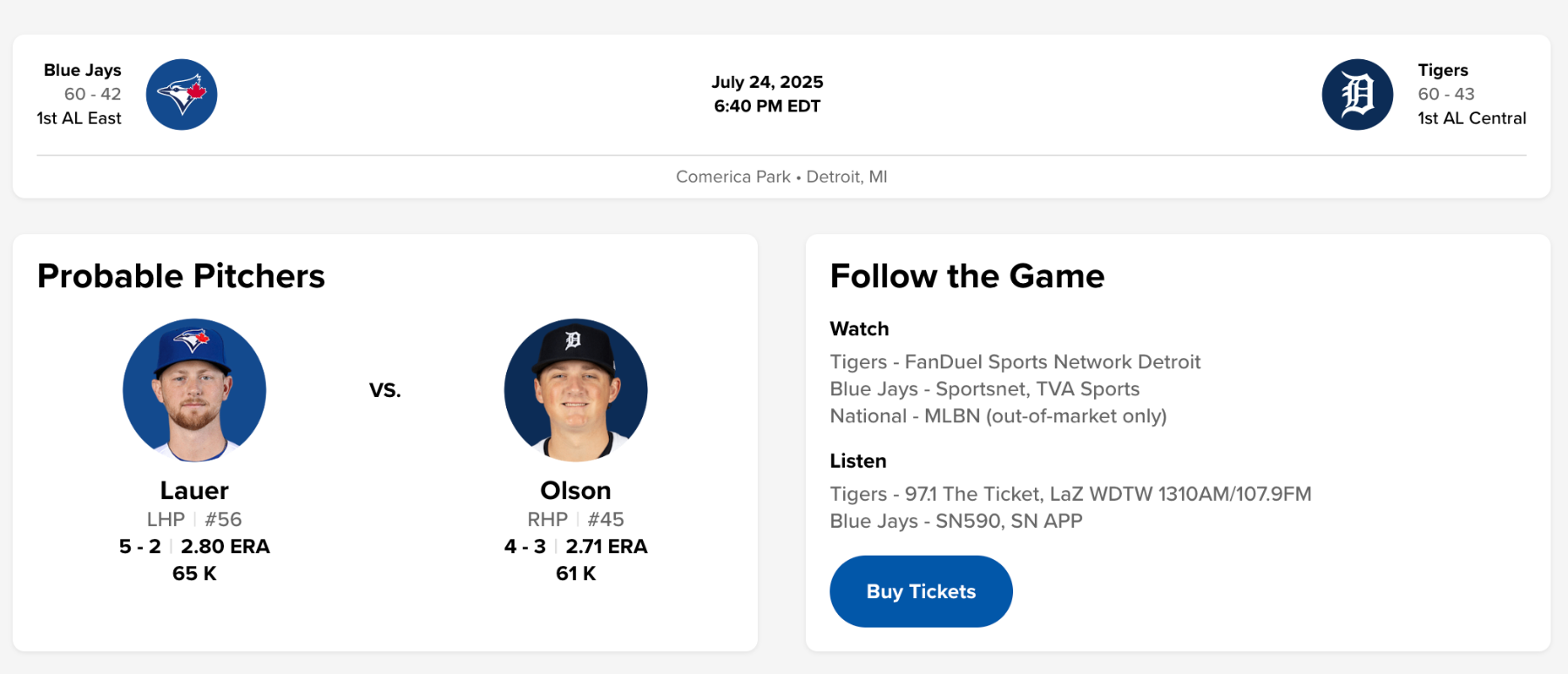
-
Thank you all for voting, here are the results! Ranked ProspectsArjun NimmalaTrey YesavageJoJo ParkerRicky TiedemannKhal StephenJohnny KingKendry RojasGage StaniferAlan RodenOrelvis MartinezYohendrick PinangoLanden MaroudisJosh KasevichJuaron Watts-BrownJake BlossRJ SchreckVictor AriasBrandon BarrieraJonatan ClaseAdam Macko
-
Win the series!
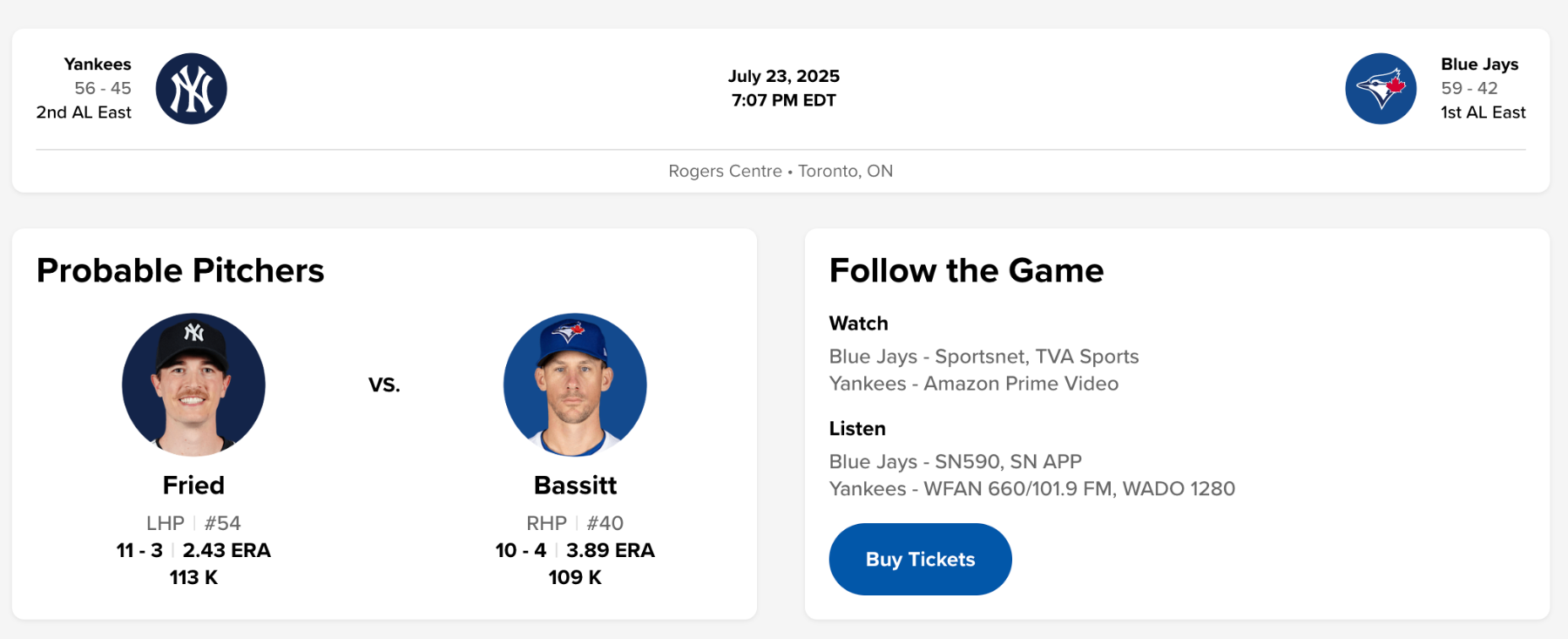
-
DiamondCentric trade deadline series
Brock Beauchamp replied to Brock Beauchamp's topic in Toronto Blue Jays Talk
Next addition to the series is late-inning relievers. -
Vote For Your Top 20 Blue Jays Prospects!
Brock Beauchamp replied to Brock Beauchamp's topic in Blue Jays Minor League Talk
Today is the last day to vote, so vote now! -
Keep it rolling!
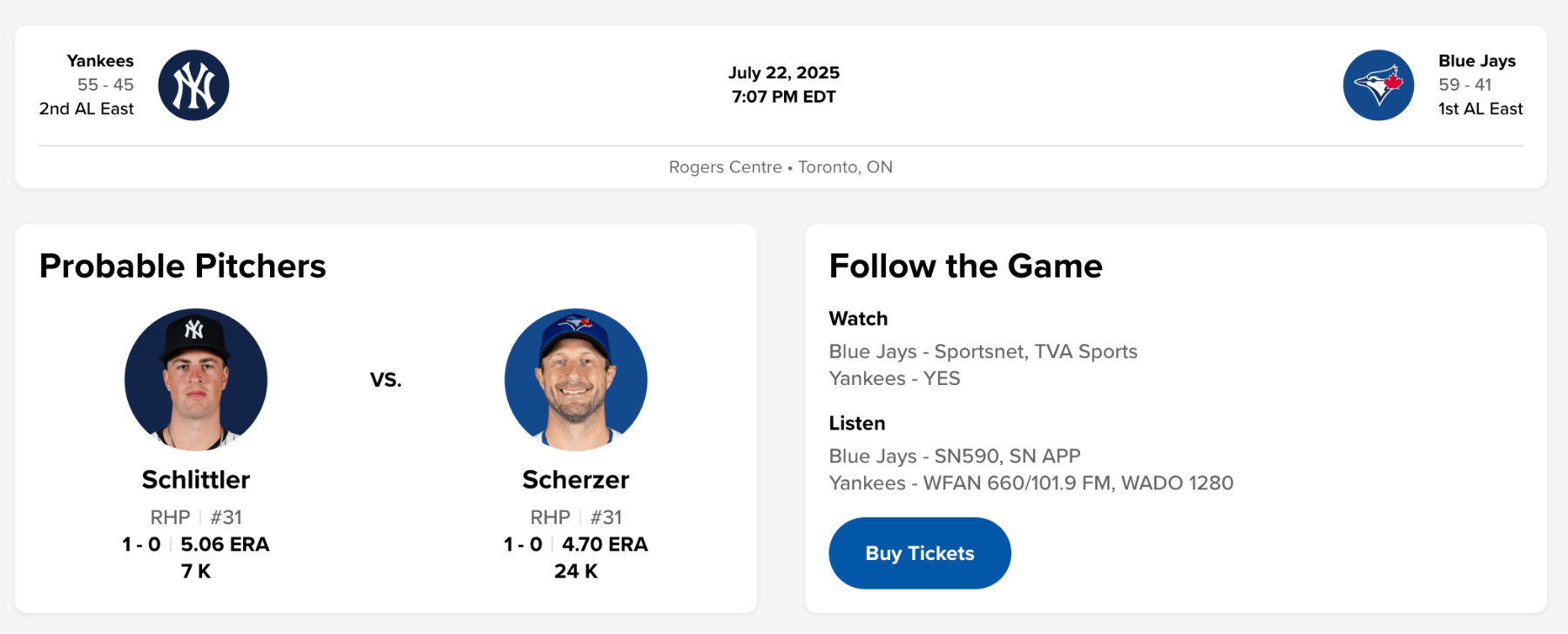
-
 In Jim Bowden's latest roundup of all 30 MLB teams and where they stand 10 days from the MLB trade deadline, he mentions that the Blue Jays have been connected to several Pirates pitchers and a pair of Diamondbacks pitchers. The Pirates mentioned are Mitch Keller, Dennis Santana, and David Bednar. The Diamondbacks mentioned are Zac Gallen and Merrill Kelly. Additionally, in a Blue Jays trade deadline roundup from Mitch Bannon (also of The Athletic), it's highlighted that as the middle of the American League Central stumbles out of playoff contention, it could be a boon for Toronto. In particular, the Guardians and Twins have a bevy of upside, high-impact arms that any contender could slot into a closer's role. The Blue Jays have the 26th-ranked FIP in baseball at 4.57. They have ninth-ranked bullpen FIP at 3.79.
 -
In Jim Bowden's latest roundup of all 30 MLB teams and where they stand 10 days from the MLB trade deadline, he mentions that the Blue Jays have been connected to several Pirates pitchers and a pair of Diamondbacks pitchers. The Pirates mentioned are Mitch Keller, Dennis Santana, and David Bednar. The Diamondbacks mentioned are Zac Gallen and Merrill Kelly. Additionally, in a Blue Jays trade deadline roundup from Mitch Bannon (also of The Athletic), it's highlighted that as the middle of the American League Central stumbles out of playoff contention, it could be a boon for Toronto. In particular, the Guardians and Twins have a bevy of upside, high-impact arms that any contender could slot into a closer's role. The Blue Jays have the 26th-ranked FIP in baseball at 4.57. They have ninth-ranked bullpen FIP at 3.79. View full rumor
-
As part of our newly-expanded site network, we're dipping our toes into generalized MLB content. First up is a list of 17 starters who might be trade bait come the deadline. 17 Starting Pitchers Who Could Be Available At The MLB Trade Deadline - Padres - Padres Mission PADRESMISSION.COM The trade deadline is less than two weeks away, and the Padres could use rotation depth. Here's a list of starting pitchers we may see on the move.
-
Take two out of three here and you put the Yankees in a real bind.